



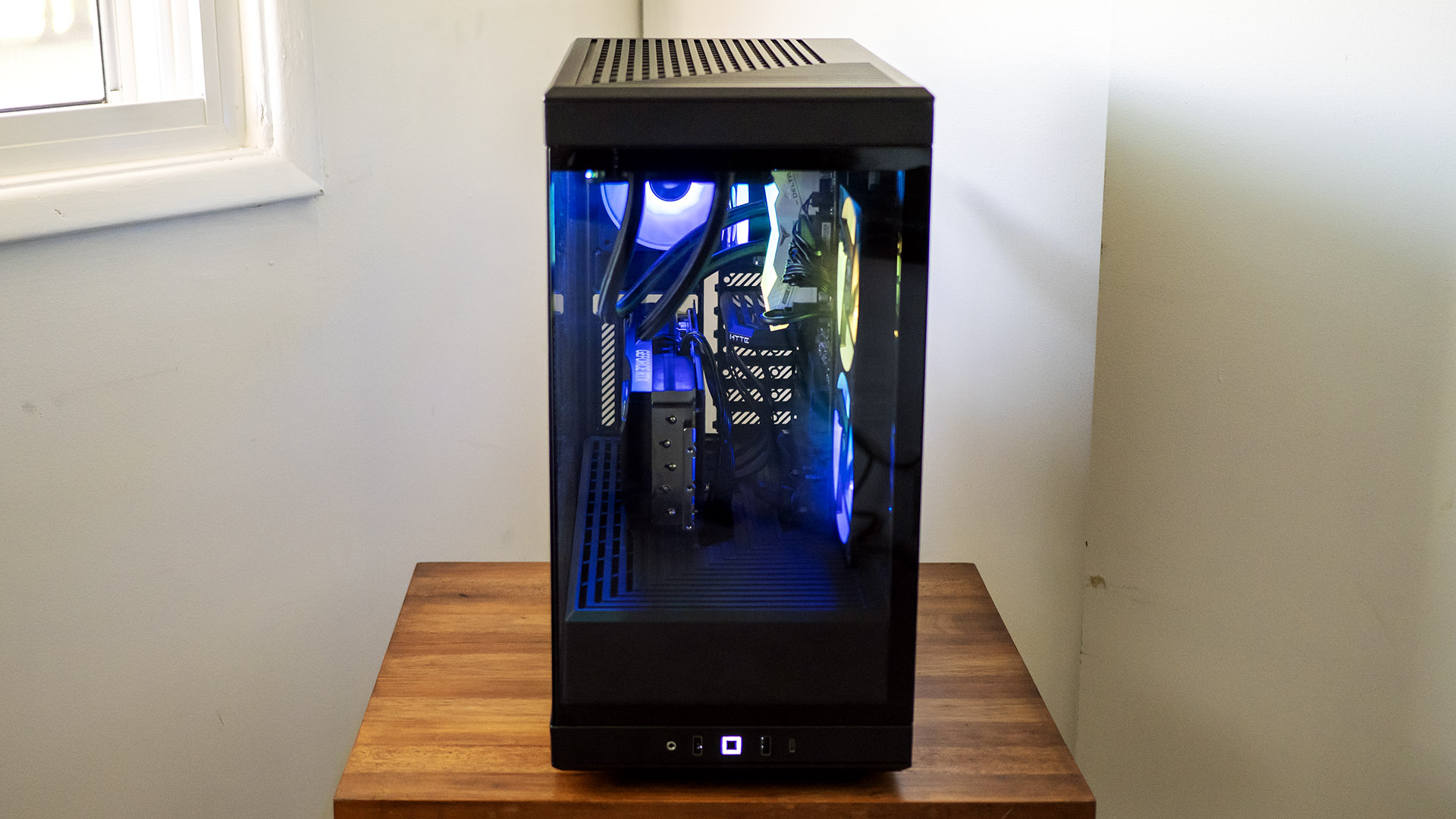
Not every gaming PC needs to scream for attention—some simply show up, deliver serious power, and let the performance do the talking. That’s exactly the lane iBUYPOWER continues to dominate. As the parent company of the sleek chassis brand HYTE, it has spent years refining prebuilt systems that balance design, airflow, and raw performance. Now, with the latest refresh featuring 13th-generation Intel processors and cutting-edge NVIDIA GeForce RTX 4000 series graphics, the stakes have been raised once again.
Enter the iBUYPOWER Y40 PRO Y40BA9N57T01—a polished mid-range gaming machine built to compete where it matters most. Sitting in a similar performance tier to the Alienware Aurora R16, this system gives us a strong point of comparison as we break down what it brings to the table in terms of gaming performance, design, and overall value.
Pros
- Off the shelf parts
- Upgradable
- Performance
- Water cooled
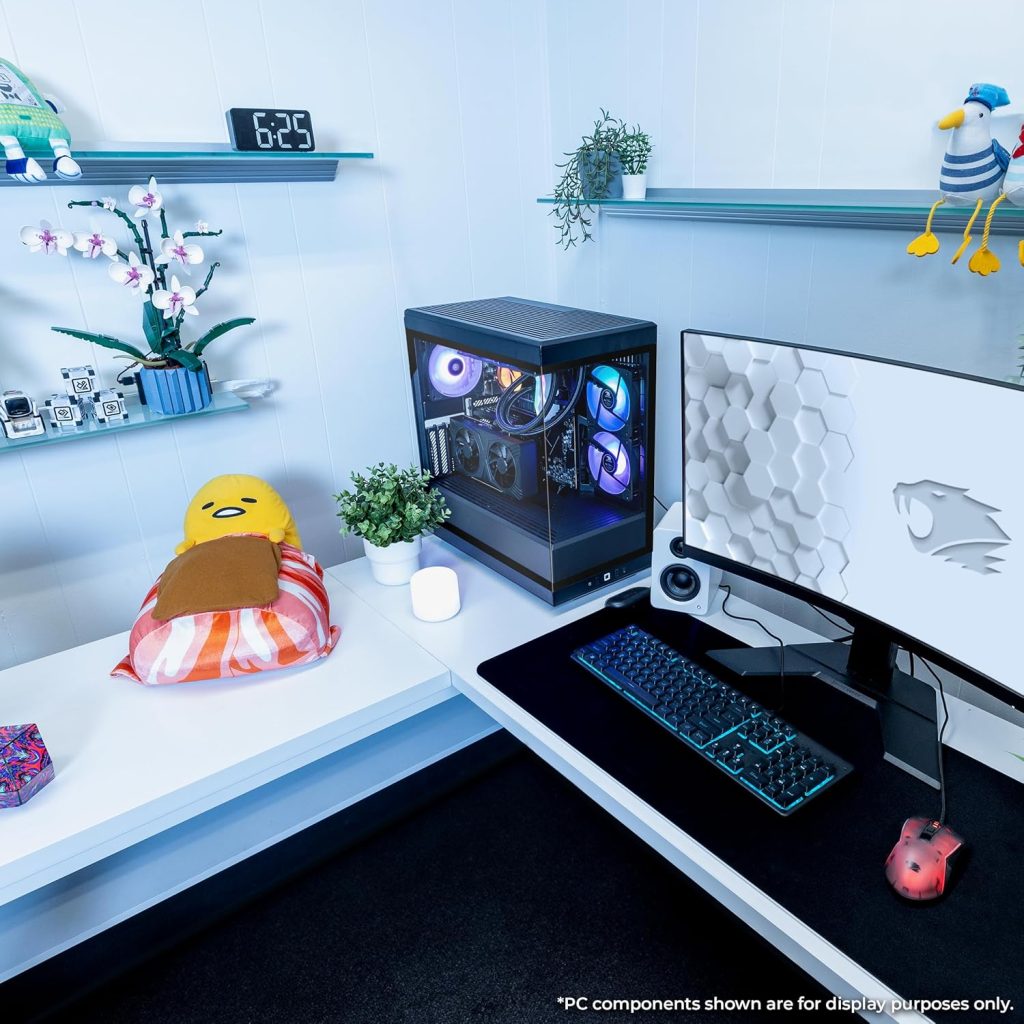
- Chassis design
- Attractive, RGB-lit design
- Many available configurations
- Decent peripherals
Cons
- More expensive than competition
- Noticeable fan noise
- Limited storage and PCIe expansion
- Only some RGB customization
The iBUYPOWER Y40 Pro Y40BA9N57T01 leans heavily into style without completely sacrificing substance. It delivers strong gaming performance and stands out with its striking, RGB-lit chassis and clean internal layout—clearly benefiting from HYTE’s design expertise. However, that premium look comes at a cost. It’s priced higher than some competing systems with similar specs, and limitations in storage expansion, PCIe slots, and noticeable fan noise may give more performance-focused or upgrade-heavy users pause. Still, for buyers who value aesthetics, solid out-of-the-box performance, and a modern, showcase-ready build, the Y40 Pro remains a compelling option.
iBUYPOWER Y40 PRO Y40BA9N57T01 Specs
|
Processor |
AMD Ryzen 9 7900X |
|
RAM |
32GB DDR5 RGB 5200MHz RAM |
|
Storage |
2TB NVMe SSD |
|
Graphics Card |
NVIDIA GeForce RTX 5070Ti 16GB GPU |
|
Size |
17.28 x 9.44 x 18.58 inches |
|
Weight |
36 pounds |
Design
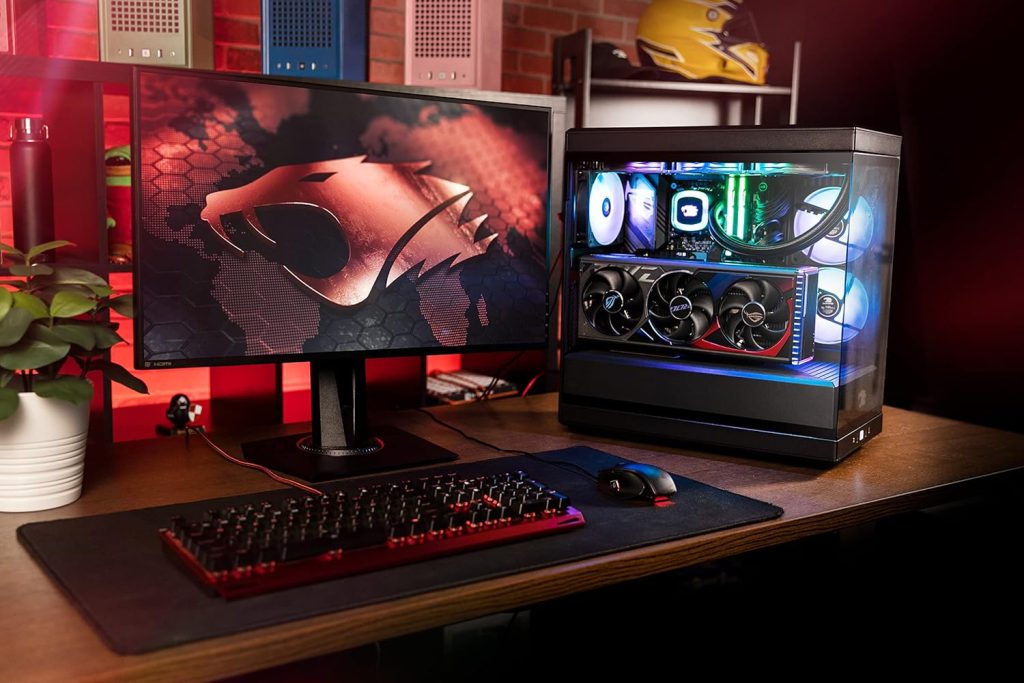
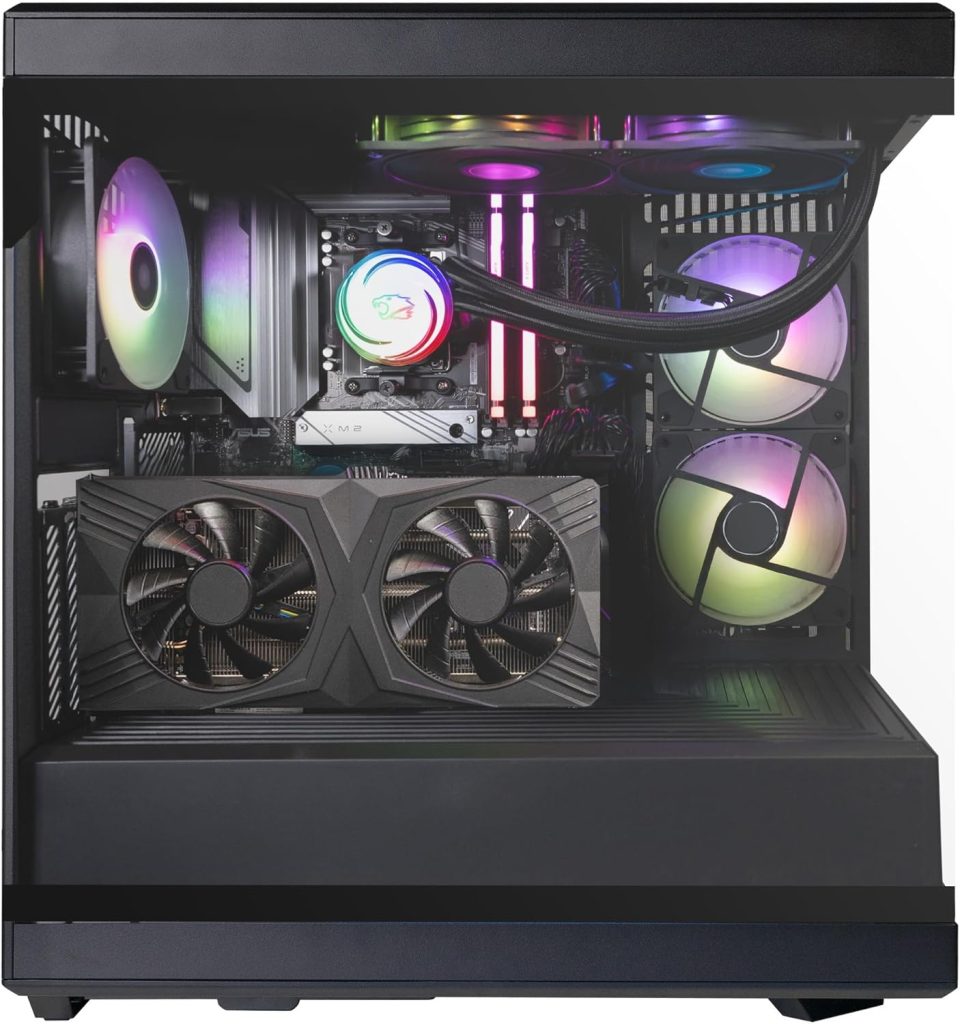
Ports: iBUYPOWER Y40 PRO Y40BA9N57T01 Review
A gaming PC isn’t just about what’s inside—it’s also about how easily it connects to everything around you. The iBUYPOWER Y40 Pro does a solid job here, offering a wide range of ports that make it easy to plug in your gaming gear, accessories, and external devices without constantly swapping cables.
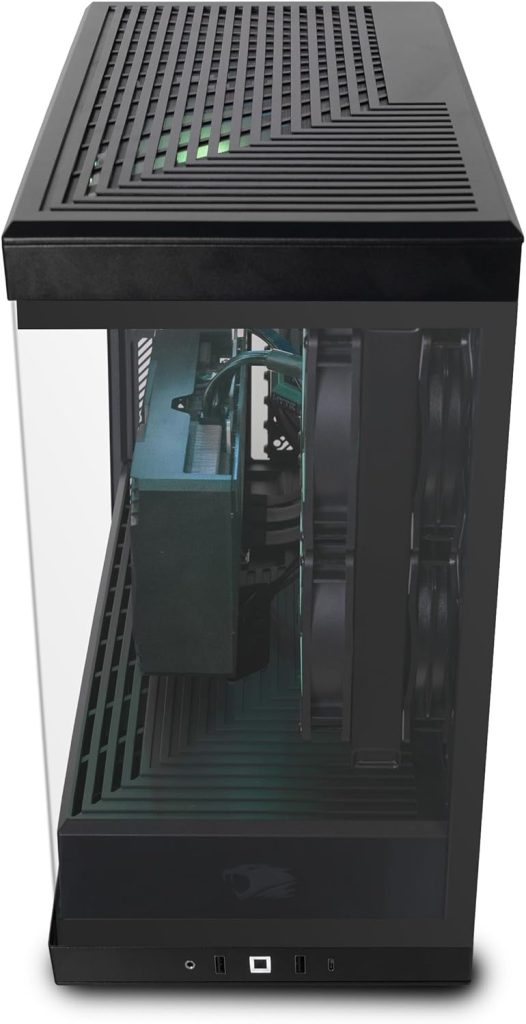
Up front, the essentials are right where you need them. You’ll find a 3.5 mm audio jack, two USB Type-A ports, and a USB Type-C port, with the power button centered between the group. It’s a simple but practical setup that works well for everyday use—whether you’re plugging in a headset, flash drive, or controller.
Around the back, the connectivity expands significantly. There’s a USB 3.2 Gen 2×2 Type-C port for faster modern devices, alongside a mix of USB-A ports including Gen 2, Gen 1, and even a couple of USB 2.0 options for peripherals that don’t need high speeds. This variety ensures you’ve got enough room for everything from keyboards and mice to external drives and streaming gear.
Display connectivity is also well covered, with both HDMI and DisplayPort outputs available for your monitor setup. On top of that, the system includes a full suite of audio connections—multiple 3.5mm jacks and even an optical S/PDIF output—giving you flexibility whether you’re using standard speakers, a surround sound system, or higher-end audio equipment.
Networking
For networking, the system is well-equipped with both wired and wireless options. It includes a 2.5Gbps Ethernet port for fast and stable wired connections, along with a Realtek RZ616 wireless card that supports Wi-Fi 6E and Bluetooth 5.3. Just keep in mind that the external antennas shown in the photos need to be properly attached to ensure strong and reliable wireless performance.
Storage and Power supply
For a case that looks this spacious, storage expansion is a bit more limited than you might expect. You get two M.2 slots on the motherboard for fast NVMe drives, but beyond that, options are tucked away behind the motherboard tray. Here, there’s space for either two 2.5-inch drives or a single 3.5-inch drive. It’s enough for most users, but if you’re planning a storage-heavy setup, you may find yourself working within tighter limits than a traditional mid-tower would allow. On the brighter side, memory expansion is much more flexible—there are four DIMM slots in total, with two still available in most configurations, and support for up to 192GB of RAM.
The included 750W power supply provides more than enough headroom for the system as it stands and leaves room for future GPU upgrades. While it isn’t modular—so cable management isn’t quite as clean as it could be—it still comes with all the necessary connectors for modern components. Combined with support for GPUs up to 422 mm in length, the Y40 Pro doesn’t restrict your upgrade path when it comes to graphics power, even if storage expansion feels a bit more constrained.
Keyboard and Mouse
To get you started right away, iBUYPOWER includes a wireless keyboard and mouse combo in the box. They’re functional and convenient for initial setup, though most gamers will likely upgrade to more specialized peripherals over time. Just keep in mind that a monitor isn’t included, so you’ll need to factor that into your setup.
Overall, the Y40 Pro offers a well-rounded and flexible selection of ports. Whether you’re gaming, working, or building out a full setup, there’s more than enough connectivity here to support it.
Thermals
Thermal performance on the iBUYPOWER Y40 Pro is fairly typical of glass-heavy showcase builds, with a few design trade-offs. Under load, most of the heat is expelled from the side of the vertically mounted GPU. With the tempered glass panel in place, some of that heat tends to linger, creating a warmer zone around the graphics card rather than being pushed out as efficiently as in more airflow-focused cases.
Taking the panel off reveals the bigger picture. The vertical GPU layout creates a pocket where heat can build up beneath the card, limiting airflow in that area. This also affects nearby components—most notably the SSD positioned above the GPU, which lacks a dedicated heatsink and can run warmer during extended gaming sessions. While overall cooling remains acceptable for typical use, it’s clear the design leans more toward aesthetics than optimal thermal efficiency.
Performance
The iBUYPOWER Y40 Pro is built around strong modern hardware, featuring an AMD Ryzen 9 7900X processor, NVIDIA GeForce RTX 5070 Ti 16GB graphics card, 32GB of DDR5 5200MHz RGB memory, and a fast 2TB NVMe SSD. In everyday productivity and system-wide workloads, it performs very well, sitting comfortably in the upper-middle range of high-performance desktops. CPU-heavy tasks are handled efficiently, while overall responsiveness remains smooth even under heavier multitasking or creative workloads.
In gaming, the Y40 Pro delivers consistently strong results across a wide range of titles at both 1080p and 4K. In demanding games like Cyberpunk 2077 with ray tracing enabled, it reaches around 87 FPS at 1080p and remains playable at 4K with close to 30 FPS. In Shadow of the Tomb Raider, Far Cry 6, Red Dead Redemption 2, and Borderlands 3, the system regularly pushes well over 120 FPS at 1080p depending on the title, while 4K performance typically settles into the 60–90 FPS range where GPU load becomes the main limiting factor.
Overall, the RTX 5070 Ti proves to be a strong, well-balanced GPU for this setup, offering excellent 1080p high-refresh gaming and solid 4K capability in many titles. While the Y40 Pro does trail behind more CPU-optimized competitors in certain lower-resolution scenarios, especially in processor-heavy games, the gap largely disappears at 4K where performance becomes GPU-bound. In practical terms, this makes the system a reliable high-end gaming machine that handles modern titles smoothly, with performance that stays competitive across most scenarios.
Conclusion
The iBUYPOWER Y40 Pro delivers strong, well-balanced performance that sits comfortably in the high-end mid-range category. It handles CPU-heavy workloads with solid consistency, placing in the middle of the pack in more demanding productivity tasks, while performing even better in broader system-wide use where it climbs closer to higher-tier systems. In gaming, it really shows its strength—the RTX 5070 Ti pushes excellent frame rates at 1080p, regularly exceeding 200 FPS in lighter or competitive titles, while still maintaining smooth 4K performance in demanding games like Cyberpunk 2077, where it averages around 87 FPS. Across the board, it’s a capable and dependable gaming machine that handles modern titles with ease.
Where the Y40 Pro truly stands out is in its design and overall presentation. The HYTE chassis gives it a premium, showcase-ready look that feels closer to a custom-built PC than a typical prebuilt, with clean internals, tempered glass panels, and well-integrated RGB lighting. However, this premium feel comes at a higher price point—around $2,299—placing it above competitors like the Alienware Aurora R16, which can offer similar performance for less. Even so, while others may win on pure value, the Y40 Pro makes a strong case for buyers who care just as much about aesthetics and build quality as they do about performance. It’s a system designed not just to run well, but to look exceptional doing it.


