



Best Sceptre Gaming Monitors (2026 Buyer’s Guide)
Sceptre has carved out a strong niche in the gaming monitor market by focusing on what most gamers actually care about: high refresh rates, immersive screen sizes, and affordable pricing. While the brand may not compete directly with premium display makers in color accuracy or build quality, it consistently delivers solid gaming performance for the money. From fast 1080p esports panels to curved ultrawide displays designed for immersion, Sceptre’s lineup covers a surprisingly wide range of gaming styles and budgets.
That variety can also make choosing the right model confusing. Some Sceptre monitors are ideal for competitive gamers chasing smooth frame rates, while others are better suited for casual players who want a larger, more cinematic experience without overspending. In this guide, we’ll break down the best Sceptre gaming monitors by category, highlighting where each model shines, who it’s best for, and where the compromises start to show. Most of these monitors are similar to the ones recommended in our Sceptre Monitor Review article. Check it out.
Best Sceptre Monitor Types
| Type | Best Size | Monitor | Refresh Rate | Best For |
| Budget Gaming | Sceptre Monitor 24 inch | 24.5-inch Sceptre (C255B-FWT240) Curved Monitor | 240Hz | Entry-level gaming |
| Balanced Setup | Sceptre Monitor 27-inch | Sceptre E275B-FPT165 Monitor | 180Hz | Most users |
| Immersive Gaming | Sceptre Monitor Curved (30–34”) | 30-inch Sceptre (C305B-200UN1) Monitor | 200Hz | Open-world & racing games |
| Competitive Gaming | Sceptre Monitor 240Hz | Sceptre (E275B-FWD240) Monitor | 240Hz | FPS/ esports titles |
| Large Screen Setup | Sceptre Monitor 32 inch | 34-inch Sceptre (C345B-QUT168) Monitor | 165Hz | Casual immersive gaming |
| Budget 4K and Work Use | Sceptre 4K Monitor | Sceptre (U275W-UPT) – 27-inch 4K IPS Monitor | 70Hz | 4K gaming and professional use |
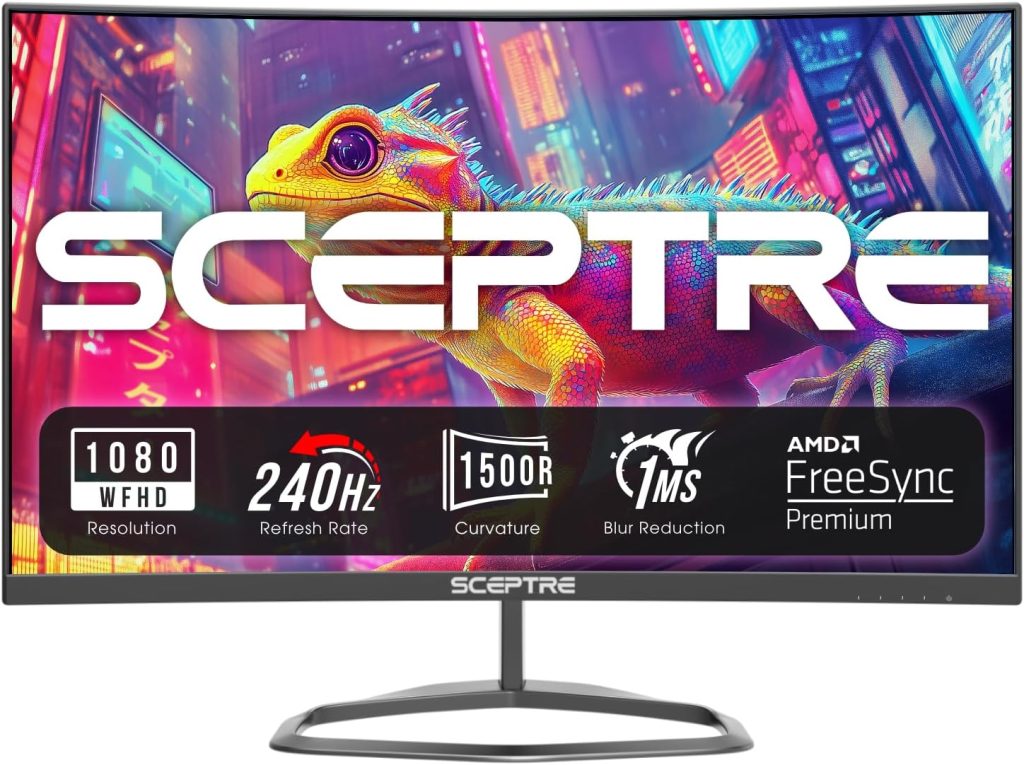 1. Best Budget Option: 24.5-inch Sceptre (C255B-FWT240) Curved Monitor (Entry-Level Gaming)
Pros
* Extremely affordable for a 240Hz gaming monitor
* Smooth gameplay with 240Hz refresh rate and 1ms response time
* Immersive 1500R curved display
* AMD FreeSync Premium support reduces tearing and stutter
* Multiple HDMI and DisplayPort inputs
Cons
* Smaller screen may not suit immersive single-player gaming
* Basic stand with limited ergonomic adjustments
* VA panel can show minor ghosting in darker scenes
Why We Picked It
The Sceptre (C255B-FWT240 is where the brand becomes most accessible. It’s compact, affordable, and designed for players stepping into high refresh rate gaming for the first time. Instead of focusing on premium image quality or advanced features, this monitor prioritizes responsiveness and speed, giving budget-conscious gamers access to a fast 240Hz refresh rate without spending premium esports-monitor money.
At this size, Sceptre focuses heavily on competitive gaming performance. The 24.5-inch screen keeps everything within your field of view, while the 1500R curve adds a bit of immersion without feeling excessive. Combined with a 1ms response time, AMD FreeSync Premium support, and multiple DisplayPort and HDMI connections, the monitor feels purpose-built for fast-paced shooters, esports titles, and multiplayer gaming sessions. Custom FPS and RTS display modes also help tailor the image depending on the type of game being played.
Who It’s For / Not For
This monitor is best suited for first-time gaming PC builds, students, or budget setups where performance matters more than visual fidelity. Competitive gamers playing titles like Valorant, Fortnite, CS2, or Call of Duty will appreciate the smoothness that comes with 240Hz gameplay, especially at such a low price point. At around $120, it delivers gaming-focused features that are still rare in this price range.
It’s less ideal for users looking for cinematic visuals, productivity-focused multitasking, or sharp high-resolution content creation. The smaller 1080p panel and budget-oriented VA display clearly prioritize speed over image precision. Still, for gamers who simply want the fastest gameplay possible on a tight budget, the C255B-FWT240 is one of Sceptre’s strongest value picks.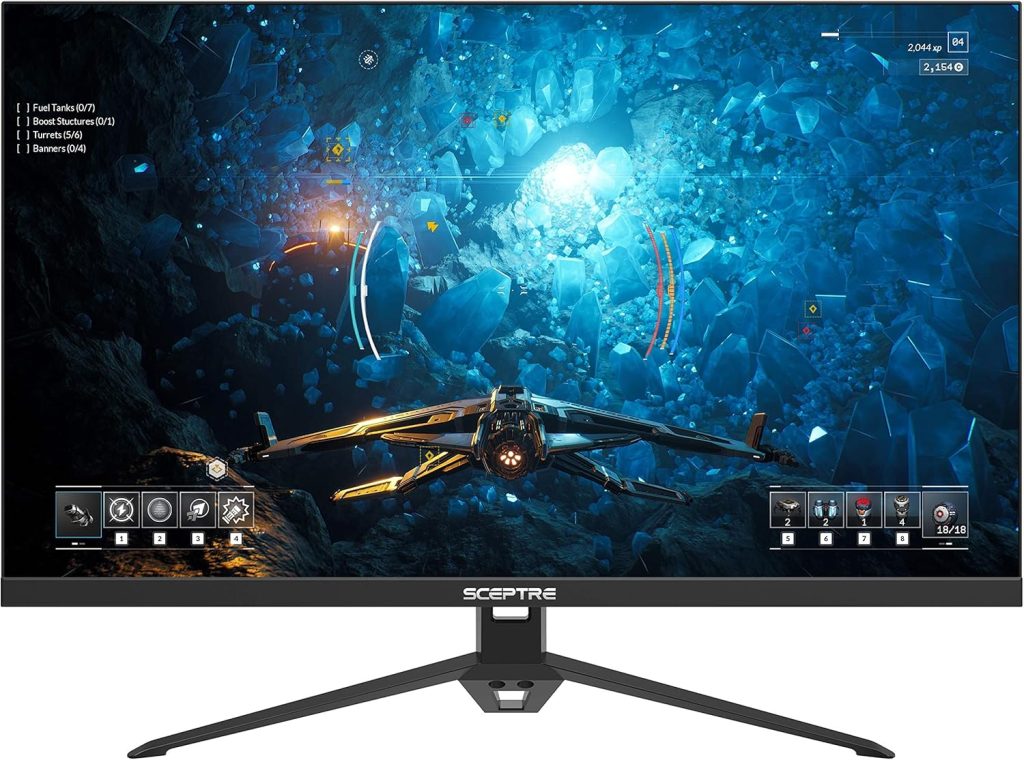
2. Best Overall: 27-Inch Sceptre E275B-FPT165 Monitor (Balanced Gaming Pick)
Pros
* Simple, sturdy design
* Excellent value for the price
* Smooth 180Hz refresh rate for fast-paced gaming
* Multiple HDMI ports plus DisplayPort connectivity
* Strong contrast performance for gaming and movies
Cons
* Lacks height, tilt, and pivot adjustments
* VA panel has narrower viewing angles than IPS
* No USB-C connectivity
Why We Picked It
The 27-inch Sceptre E275B-FPT165 strikes one of the best balances in the company’s gaming monitor lineup. It combines a large enough screen for immersive gaming with a fast 180Hz refresh rate and 1ms response time, making it a surprisingly capable option for competitive shooters, racing games, and everyday multiplayer titles. At this price point, finding a monitor that feels both responsive and comfortable for daily use isn’t always easy, but Sceptre manages to hit that middle ground well here.
What helps the E275B-FPT165 stand out is its practicality. The design is simple but sturdy, and the port selection is better than expected for a budget gaming display, offering multiple HDMI inputs alongside DisplayPort and audio connectivity. That makes it convenient for users juggling a gaming PC, console, or streaming setup without constantly swapping cables.
Who It’s For / Not For
This monitor is best suited for gamers who want smooth performance without overspending on premium features they may never use. It’s especially appealing for first-time PC gamers, students, or anyone building a budget-friendly setup around 1080p gaming. The tradeoff is that ergonomics are somewhat limited, with swivel support but no height or pivot adjustments, and the 1080p resolution can start to feel stretched at 27 inches for productivity-focused users sitting very close to the screen.
It’s less ideal for professional creative work, color-critical editing, or users who prioritize ergonomic flexibility and sharper image clarity. Still, for affordable high-refresh gaming, this remains one of Sceptre’s strongest all-around gaming monitors.
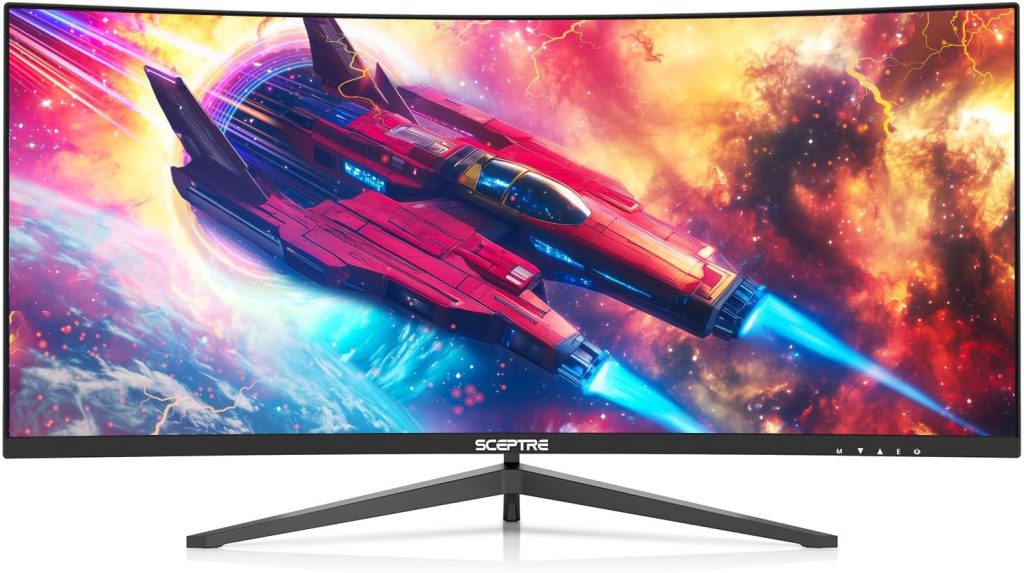 3. Best Immersive: 30-inch Sceptre (C305B-200UN1) Curved Monitor (Ultrawide Experience)
Pros
* Large 30-inch ultrawide display enhances immersion
* Smooth 200Hz refresh rate for fluid gameplay
* 21:9 aspect ratio is excellent for racing and open-world games
* AMD FreeSync support minimizes screen tearing
* Strong value compared to premium ultrawide monitors
Cons
* 2560 x 1080 resolution is less sharp than 1440p ultrawides
* Built-in speakers are basic
* VA panel may show some motion smearing in darker scenes
* Large size may not suit smaller desks or competitive esports setups
Why We Picked It
If your goal is immersion rather than pure competitive advantage, the Sceptre C305B-200UN1 stands out as one of the most appealing monitors in the company’s lineup. Its 30-inch curved ultrawide design immediately creates a more cinematic gaming experience, expanding your field of view in ways standard 16:9 monitors simply can’t match. Whether you’re driving through racing sims, exploring massive RPG worlds, or multitasking across multiple windows, the extra horizontal space makes gameplay feel larger and more engaging.
The monitor pairs that immersive design with genuinely fast gaming performance. Its 200Hz refresh rate and AMD FreeSync support help gameplay remain smooth during fast movement, while the 21:9 aspect ratio adds a natural sense of depth and peripheral vision in supported titles. Sceptre also includes gaming-focused presets like FPS and RTS modes, alongside DisplayPort and HDMI connectivity that allow players to fully utilize the higher refresh rates. While the 5ms response time isn’t esports-level fast, it’s more than capable for casual and mainstream gaming.
Who It’s For / Not For
This monitor is best suited for gamers who value immersion, multitasking space, and cinematic gameplay over ultra-sharp image clarity. It’s especially appealing for fans of racing games, RPGs, flight simulators, and open-world adventures where the ultrawide format dramatically improves the overall experience. It also works surprisingly well for productivity, thanks to the extra screen space available for multitasking.
It’s less ideal for competitive esports players who prioritize pixel response and maximum sharpness, or for creators needing high-end color accuracy and panel refinement. The 2560 x 1080 resolution can also feel stretched across a 30-inch ultrawide panel compared to sharper 1440p alternatives. Still, for the price, the C305B-200UN1 delivers one of the most enjoyable ultrawide gaming experiences Sceptre currently offers.
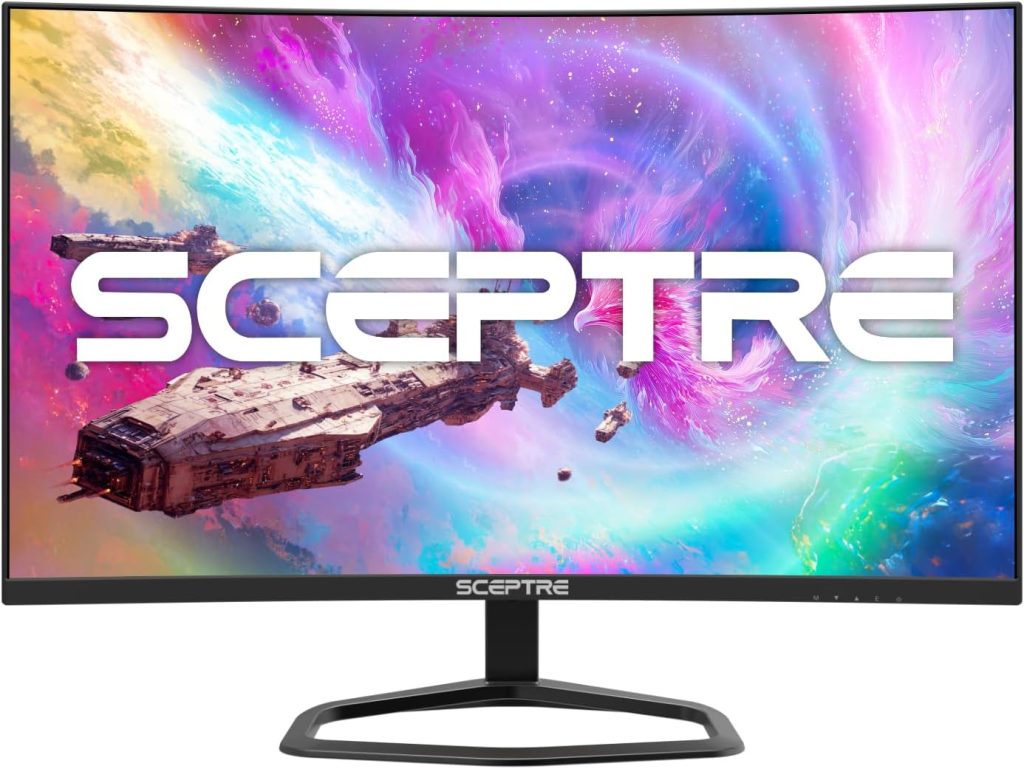 4. Best for Competitive Gaming: Sceptre E275B-FWD240 Monitor (240Hz)
Pros
* Extremely smooth 240Hz refresh rate
* Fast 1ms response time for competitive gaming
* Affordable compared to premium esports monitors
* FreeSync Premium support reduces tearing and stutter
* Multiple HDMI and DisplayPort connections
Cons
* VA panel lacks the motion clarity of premium IPS or OLED panels
* Limited ergonomic adjustments
* Built-in speakers are basic and lack depth
Why We Picked It
The Sceptre E275B-FWD240 is built for gamers who prioritize speed above everything else. With a 240Hz refresh rate, 1ms response time, and FreeSync Premium support, this monitor is designed to keep gameplay feeling responsive and fluid during fast-paced competitive matches. For players jumping into esports titles like Valorant, CS2, Overwatch 2, or Fortnite, the improvement in motion smoothness over standard 60Hz or even 144Hz panels is immediately noticeable.
What makes this monitor particularly appealing is how aggressively Sceptre prices it compared to traditional esports-focused brands. It delivers the kind of refresh rates normally associated with much more expensive gaming displays while still including practical features like DisplayPort, dual HDMI connectivity, and a curved 1500R screen for slightly improved immersion. The VA panel also provides stronger contrast than many budget TN alternatives, helping games look a bit richer without sacrificing too much responsiveness.
Who It’s For / Not For
This monitor is best suited for competitive gamers running systems capable of consistently pushing very high frame rates. If your primary focus is reaction time, smooth movement, and low input latency, the E275B-FWD240 offers a strong value proposition without requiring a premium budget. It’s especially attractive for esports players who want 240Hz performance at one of the lowest possible prices.
It’s less ideal for users seeking elite-level motion clarity, professional color accuracy, or premium build quality. While the VA panel delivers good contrast, it can still show some motion smearing compared to faster IPS or TN esports displays. That’s the key trade-off here: you’re getting exceptional speed for the money, but not the polished motion handling or refinement found in higher-end competitive gaming monitors.
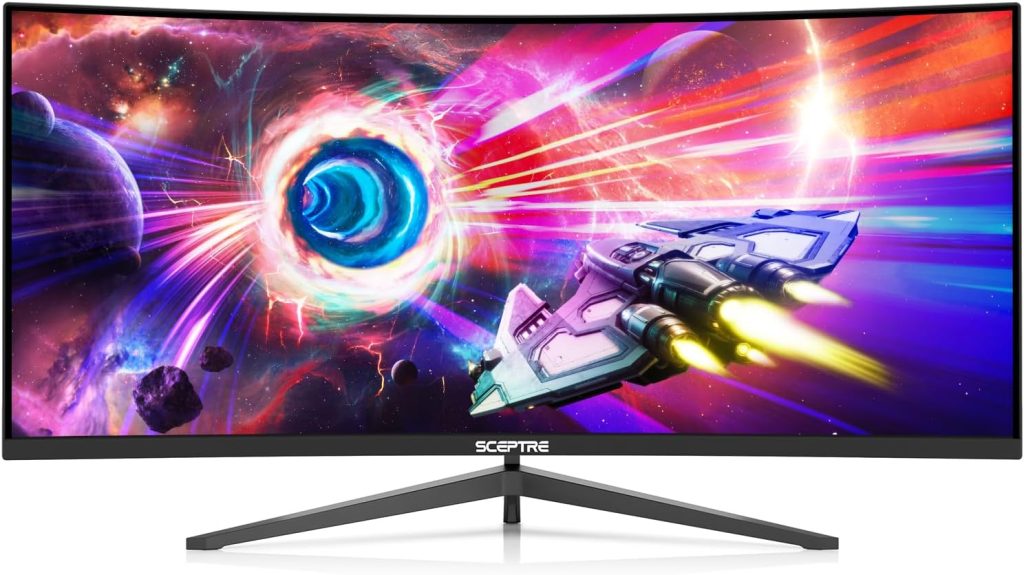
5. Best Premium Ultrawide Option: 34-inch Sceptre C345B-QUT168 Curved Monitor
Pros
* Sharp 3440 × 1440 ultrawide resolution
* Smooth 165Hz refresh rate for gaming and multitasking
* Immersive 1500R curved design
* Strong contrast and 99% sRGB color coverage
* Excellent value compared to premium ultrawide competitors
Cons
* VA panel can show minor black smearing in fast scenes
* HDMI ports are limited to lower refresh rates than DisplayPort
* Stand offers limited ergonomic flexibility
* Lacks HDMI 2.1 for newer console features
Why We Picked It
The Sceptre C345B-QUT168 represents the company’s most complete ultrawide gaming experience. With a 34-inch curved display, sharp 3440 × 1440 resolution, and up to 165Hz refresh rate, it delivers the kind of immersive gaming setup that normally costs far more from premium brands. The 21:9 aspect ratio dramatically expands your field of view, making racing games, open-world adventures, simulators, and cinematic single-player titles feel significantly more engaging. Sceptre also includes AMD FreeSync Premium support, helping gameplay remain fluid and tear-free during fast action.
What separates this monitor from cheaper ultrawides is the balance between immersion and image quality. The higher WQHD resolution provides noticeably sharper visuals than 1080p ultrawides, while the VA panel’s strong contrast ratio helps darker scenes look deeper and more dramatic. The monitor also supports 99% sRGB color coverage, making it surprisingly capable for content consumption, casual editing, and general productivity alongside gaming. Features like Picture-by-Picture mode, built-in speakers, and multiple DisplayPort and HDMI inputs add even more versatility for multitasking setups.
Who It’s For / Not For
This monitor is best suited for gamers who want a large, cinematic ultrawide experience without spending premium OLED money. It works especially well for users who enjoy immersive genres, multitask frequently, or want a monitor that feels equally comfortable for gaming, media, and productivity. The extra horizontal screen space also makes everyday workflows feel noticeably more efficient compared to standard 16:9 displays.
It’s less ideal for strict esports players chasing the absolute best motion clarity or for console gamers wanting HDMI 2.1 support. Like many VA ultrawides, some motion smearing can still appear in darker scenes during fast movement. Still, for the price, the C345B-QUT168 offers one of the strongest value propositions in Sceptre’s entire gaming monitor lineup, delivering a premium ultrawide experience at a far more accessible cost.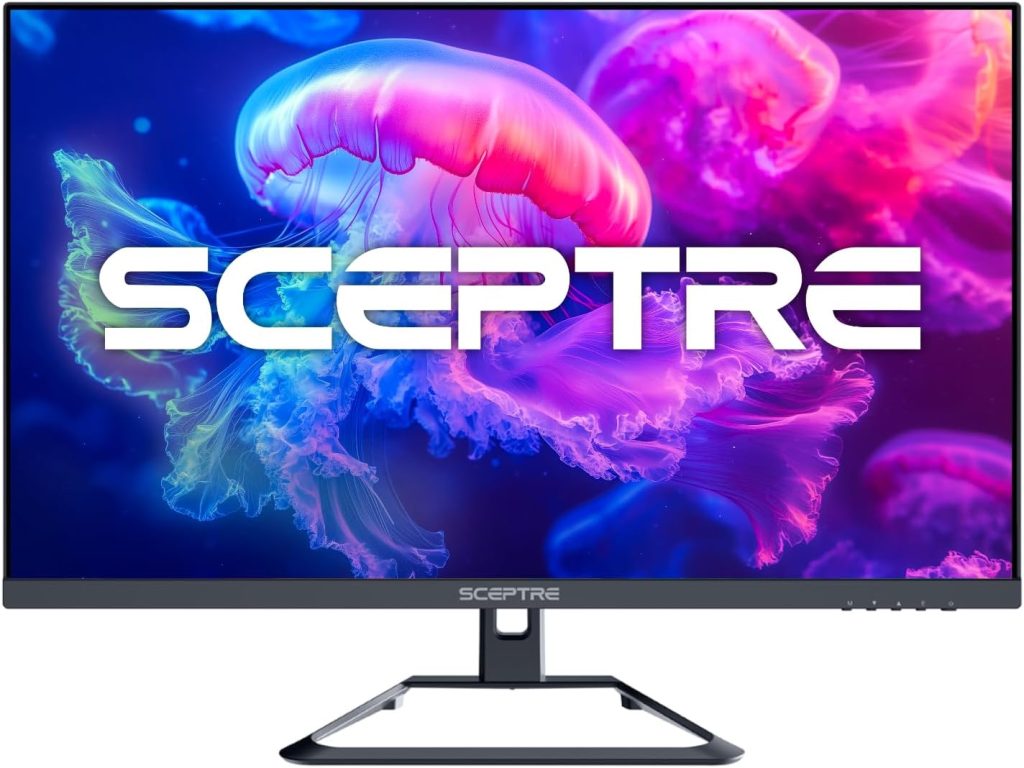
6. Best 4K: Sceptre U275W-UPT 27-inch 4K IPS Monitor
Pros
* Sharp 3840 × 2160 4K resolution for detailed visuals
* IPS panel for better viewing angles and color consistency
* Smooth refresh rate for everyday gaming and multitasking
* Strong 99% sRGB color coverage for richer image quality
* Excellent value compared to premium 4K IPS monitors
Cons
* Lacks modern HDMI 2.1 connectivity
* 70Hz refresh rate is modest for competitive gaming
* Stand offers limited ergonomic flexibility
* No USB-C, Thunderbolt, or advanced productivity hub features
Why We Picked It
The Sceptre U275W-UPT is designed for gamers and everyday users who want the sharpness of 4K resolution without stepping into premium monitor pricing. Its 27-inch IPS display delivers crisp 3840 × 2160 visuals, making games, movies, and productivity tasks noticeably more detailed compared to standard 1080p or 1440p screens. The IPS panel also improves color consistency and viewing angles, making it a better fit for mixed use compared to VA alternatives.
What makes this monitor stand out in Sceptre’s lineup is its focus on clarity and everyday usability rather than pure speed. While the refresh rate is modest compared to Sceptre’s gaming-focused 165Hz or 240Hz models, the U275W-UPT prioritizes visual sharpness and image quality. Combined with 99% sRGB coverage and FreeSync support, it still delivers a smooth enough experience for casual gaming while excelling in productivity, media consumption, and general use.
Some of the very best 4K monitors on the market cost anywhere from $500 to well over $1,500, often including features like HDMI 2.1, USB-C hubs, advanced HDR, higher refresh rates, and professional-grade calibration. That’s not what Sceptre is targeting here. Instead, the U275W-UPT focuses on delivering core 4K clarity, IPS color performance, and solid everyday usability at a much more accessible price point.
Who It’s For / Not For
This monitor is best suited for users who want a sharp, versatile display for mixed use—casual gaming, streaming, office work, and media consumption. It’s especially strong for users who value image clarity and color consistency over ultra-high refresh rates.
It’s less ideal for competitive gamers who prioritize 144Hz+ performance or creators who need advanced HDR, professional calibration tools, or USB-C-based workflows. Still, for anyone who wants an affordable entry into 4K IPS clarity, the Sceptre U275W-UPT offers one of the most balanced value options in the lineup.
Where Sceptre Monitors Actually Make Sense
Across nearly every category, Sceptre follows the same philosophy: prioritize gaming essentials and aggressive pricing over premium refinement. That approach won’t appeal to everyone, but it does make the brand surprisingly competitive in a few key areas.
Sceptre monitors are at their best when they focus on delivering features gamers can immediately notice, such as high refresh rates, larger curved displays, and ultrawide immersion at prices that are often far lower than competing brands. For first-time PC gamers, budget-conscious buyers, or users building a gaming setup without spending premium money, that value becomes hard to ignore.
Where Sceptre tends to fall behind is in the finer details. Premium color accuracy, elite-level motion handling, OLED-grade contrast, and refined build quality are usually reserved for much more expensive monitors. That’s why choosing a Sceptre monitor is less about chasing the most impressive spec sheet and more about understanding what kind of experience you actually want. In the right category, Sceptre offers excellent value. Outside of it, the compromises become easier to notice.
What to Look for in a Sceptre Gaming Monitor (Buying Guide)
Before narrowing down a specific Sceptre model, it helps to understand what actually matters in a gaming monitor overall. Core factors like refresh rate, response time, resolution, panel type, and screen size all directly affect how smooth and responsive your games feel. A slow panel can introduce motion blur or ghosting during fast movement, while a low refresh rate can make gameplay feel less fluid and less responsive. These issues become even more noticeable on larger displays, where imperfections in motion are easier to spot.
For gaming, refresh rate is one of the most important performance indicators. Standard monitors run at 60Hz, but gaming-focused displays push to 144Hz, 165Hz, 180Hz, or even 240Hz for significantly smoother motion. Competitive gamers benefit most from these higher refresh rates, especially in fast-paced shooters where reaction time matters. Response time also plays a major role, with most gaming monitors aiming for around 1ms to 5ms to keep motion clean and reduce ghosting during quick camera movement.
Once you understand those fundamentals, Sceptre’s approach becomes easier to evaluate. The brand focuses on delivering **high refresh rates, large screen sizes, curved displays, and ultrawide immersion** at much lower prices than premium competitors. That makes their monitors especially appealing for budget-conscious gamers or first-time PC setups. However, the tradeoff is that Sceptre typically doesn’t prioritize premium extras like OLED panels, USB-C hubs, advanced ergonomics, or professional-grade color accuracy.
That’s where Sceptre-specific buying decisions come in. Many of their monitors use VA panels, which offer strong contrast and deeper blacks but can introduce some motion smearing in fast or dark scenes compared to IPS or OLED displays. This is important to consider on larger screens (27 inches and above), where motion artifacts become more noticeable. You should also match resolution carefully — 1080p works well on 24–27 inch displays, but can start to look softer on larger ultrawides.
Another key factor is ensuring your PC can actually take advantage of the high refresh rates Sceptre offers. A 165Hz or 240Hz monitor only delivers its full benefit if your system can consistently output high frame rates. Otherwise, the extra performance headroom goes unused. Features like FreeSync, curved panels, and ultrawide formats add value, but they should be chosen based on your actual gaming habits rather than just spec appeal.
In short, when buying a Sceptre monitor, don’t just focus on headline specs like “240Hz” or “1ms.” Instead, look at how the monitor behaves in real-world gaming: motion clarity, panel type limitations, screen size comfort, and whether the feature set matches your actual setup. In Sceptre’s case, value is strong—but only when you pick the right category for your needs.
Are Sceptre Gaming Monitors Worth It?
Sceptre gaming monitors are worth it if your expectations are aligned with what the brand actually delivers: strong gaming performance at aggressive prices, rather than premium display refinement. They make the most sense when you’re trying to maximize refresh rate, screen size, or immersion without paying the high cost of flagship monitor brands. The key is matching the right Sceptre category to your specific gaming style.
Who should buy Sceptre monitors:
* Competitive gaming → go 240Hz models for maximum smoothness and responsiveness
* Balanced everyday gaming → go 27-inch options for a mix of size, speed, and value
* Budget setup → go 24-inch entry-level models for affordable high-refresh gaming
* Immersion-focused gaming → go curved or ultrawide displays for a wider field of view
* Big-screen casual use → go 32-inch models for cinematic gameplay and multitasking space
Who should skip Sceptre monitors:
* Users who want OLED-level contrast or premium HDR performance
* Creators who need highly accurate, factory-calibrated color reproduction
* Buyers prioritizing top-tier motion clarity over affordability
* Anyone expecting high-end ergonomic stands or productivity-first design features
In the end, most bad monitor purchases happen when people ignore category fit and focus only on specs. With Sceptre, the decision is simple: choose the right use case first, and the monitor will usually deliver solid value within that lane. If you want a deeper breakdown of Sceptre, check out our full Sceptre monitor review.


